.png)
Incident reporting software lets employees log workplace incidents, injuries, near misses, hazards, or security events, from any device, then routes, tracks, and analyzes them. It replaces paper forms and email chains, speeds up corrective action, and creates audit-ready records for OSHA and other compliance requirements.
A near miss on the warehouse floor at 2pm is worth nothing if it's still stuck in someone's head at 5pm. The whole point of incident reporting software is to catch it while it's fresh, on the device the worker already has in their pocket, and turn it into something a manager can act on before it becomes an injury.
Plenty of tools do that. Where they split is depth versus adoption. Heavy EHS suites can model every regulation and workflow but can be a slog to roll out; lighter mobile-first apps get used on day one but may not cover OSHA recordkeeping. This guide covers ten options for 2026, who each one suits, what they cost, and how they're rated, so you can match the tool to how your team actually works.
Quick picks: the short version
If you just want a starting point, here's where each tool lands. Full breakdown below.
- Best for frontline mobile capture: SafetyCulture.
- Best all-in-one for frontline teams (reporting plus comms and training): EngagedlyFX.
- Best for OSHA recordkeeping on a public price: SafetyAmp.
- Best for complex, highly regulated enterprises: Cority or Intelex.
- Best for security and investigations: Resolver.
What is incident reporting software?
Incident reporting software is a tool that captures, routes, and tracks workplace incidents, from injuries and near misses to hazards, spills, and security events. Instead of a paper form that gets lost or an email that gets buried, the report goes into a system that notifies the right people, assigns corrective actions, and keeps an audit trail.
The good ones share a few traits. They:
- Let workers report from a phone, with photos, even offline
- Route each report to an owner and track it through to a fix (corrective and preventive actions, or CAPA)
- Auto-populate OSHA logs (300, 300A, 301) so recordkeeping isn't a separate chore
- Turn incident data into trends and leading indicators, not just a filing cabinet
The stakes are real. US private employers logged about 2.5 million nonfatal workplace injuries and illnesses in 2024 (BLS), and work injuries cost the country an estimated $181.4 billion that year, roughly $48,000 per medically consulted injury (National Safety Council). Faster, more complete reporting is one of the few levers that touches both the human and the financial side of that.
Incident reporting software vs. incident management software
These terms cause a lot of confusion, and the confusion is expensive if it lands you in the wrong category. "Incident reporting software" and "incident management software" are often used interchangeably for workplace safety, where the job is capturing and resolving injuries, near misses, and hazards.
But "incident management" also names a completely separate IT category (ITSM) about server outages and service tickets, tools like PagerDuty and ServiceNow. If your goal is frontline and workplace safety, ignore the IT results and look for EHS, safety, or frontline framing. Everything in this guide is built for the safety side, not the server room. Here's the split at a glance:
How we evaluated these tools
We started from a longer list of EHS and safety platforms and kept the ten with the clearest frontline fit and the most credible third-party validation. We dropped a few tools whose only public reviews were thin or sat in the wrong category. Ratings cited are from G2 as of 2026, and pricing reflects each vendor's public information; several EHS vendors quote only, which we've flagged. We weighed:
- Capture and adoption. How easily a frontline worker can file a report on mobile, offline, with a photo.
- Workflow. Routing, notifications, and corrective-action tracking through to closure.
- Compliance. OSHA 300/301 recordkeeping and audit trails.
- Analytics. Whether the data becomes leading indicators or just a log.
- Cost and transparency. Public pricing versus quote-only, and value for the size of team.
The 10 best incident reporting tools of 2026
1. SafetyCulture (iAuditor)
.png)
Best for frontline mobile capture with almost no training.
G2 rating: 4.6 out of 5 (250+ reviews)
SafetyCulture, formerly iAuditor, is the tool frontline teams reach for when they want people to actually report things from their phone. It's built mobile-first and works offline, which matters on a plant floor or a job site with patchy signal.
What stands out
- Mobile-first capture that works offline, with photo attachments
- Issue and incident reporting with approval workflows
- Dashboards and analytics across sites
- AI-assisted template builder
Pricing: Free plan available; Premium is $24 per seat per month billed annually; Enterprise is custom.
Good fit if: You want fast, low-training mobile reporting your frontline will actually use.
Watch out for: Advanced reporting and OSHA-specific recordkeeping are lighter than in dedicated EHS suites, so confirm your 300-log needs.
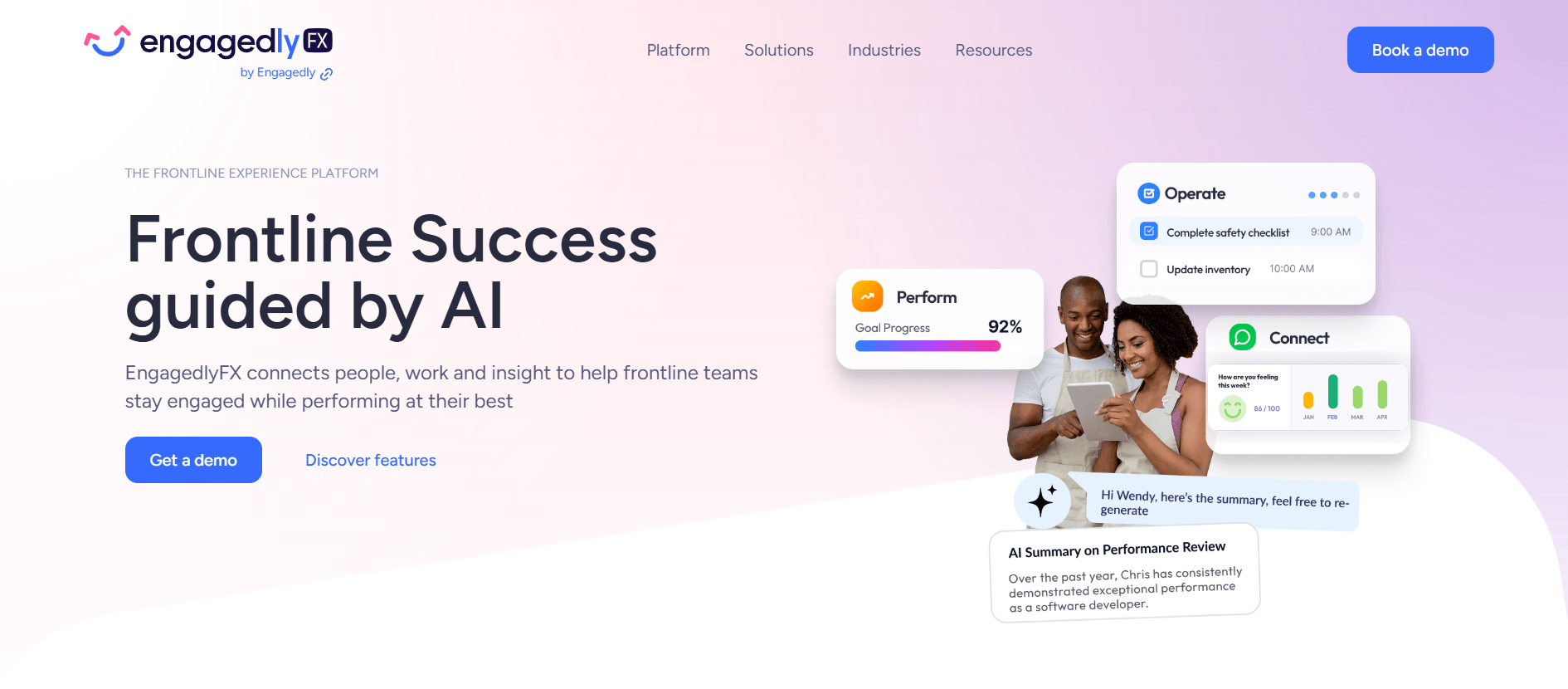
2. EngagedlyFX
Best for frontline teams that want reporting alongside communication and training.
G2 rating: the broader Engagedly platform holds 4.3 out of 5 (530+ reviews); its frontline safety tooling is a newer entrant in this specific category
This is our platform, so here's the honest version. Most tools on this list are safety systems and nothing else, which means safety lives in an app your frontline opens only when something has gone wrong. EngagedlyFX puts incident and near-miss reporting in the same app people already use for their shifts, company updates, and training. In practice that's often why more incidents actually get logged: the tool is already in their hand.
What stands out
- Mobile incident and near-miss capture with photos
- Reporting shares one app with communication, scheduling, training, and recognition
- Anonymous and whistleblowing reporting for issues people won't raise openly
- Feeds into the broader safety and compliance workflow
Pricing: Not publicly listed; pricing is quote-based. Contact sales for a number tied to your headcount and sites.
Good fit if: You want frontline workers to report because the app is already in their pocket, not because you've asked them to open a separate safety tool.
Watch out for: It's a full frontline platform, so a team that only needs a standalone safety log may not use everything it offers. Pricing is per organization, so you'll book a quick call for a quote.
More on how it works: EngagedlyFX incident reporting, the safety solution, and anonymous whistleblowing.
3. EHS Insight
Best for a configurable mid-market EHS suite.
G2 rating: 4.7 out of 5 (44 reviews)
EHS Insight is a modular EHS platform that mid-market teams like because they can shape it to their processes without a heavy consulting engagement. Its offline mobile capture is a genuine strength for field work.
What stands out
- Offline mobile incident reporting with photo capture and event categorization
- Automated workflows for notifications, approvals, and CAPA
- AI analytics across leading and lagging indicators
- Role-based dashboards
Pricing: SMB plans start around $5,000 per year; Enterprise is custom.
Good fit if: You're a mid-market team that wants a configurable, modular EHS system.
Watch out for: Custom reports can take some trial and error, and a few modules feel less built-out than the core.
4. SafetyAmp
Best for industrial teams that want OSHA logs on flat, org-based pricing.
G2 rating: 4.7 out of 5 (35 reviews)
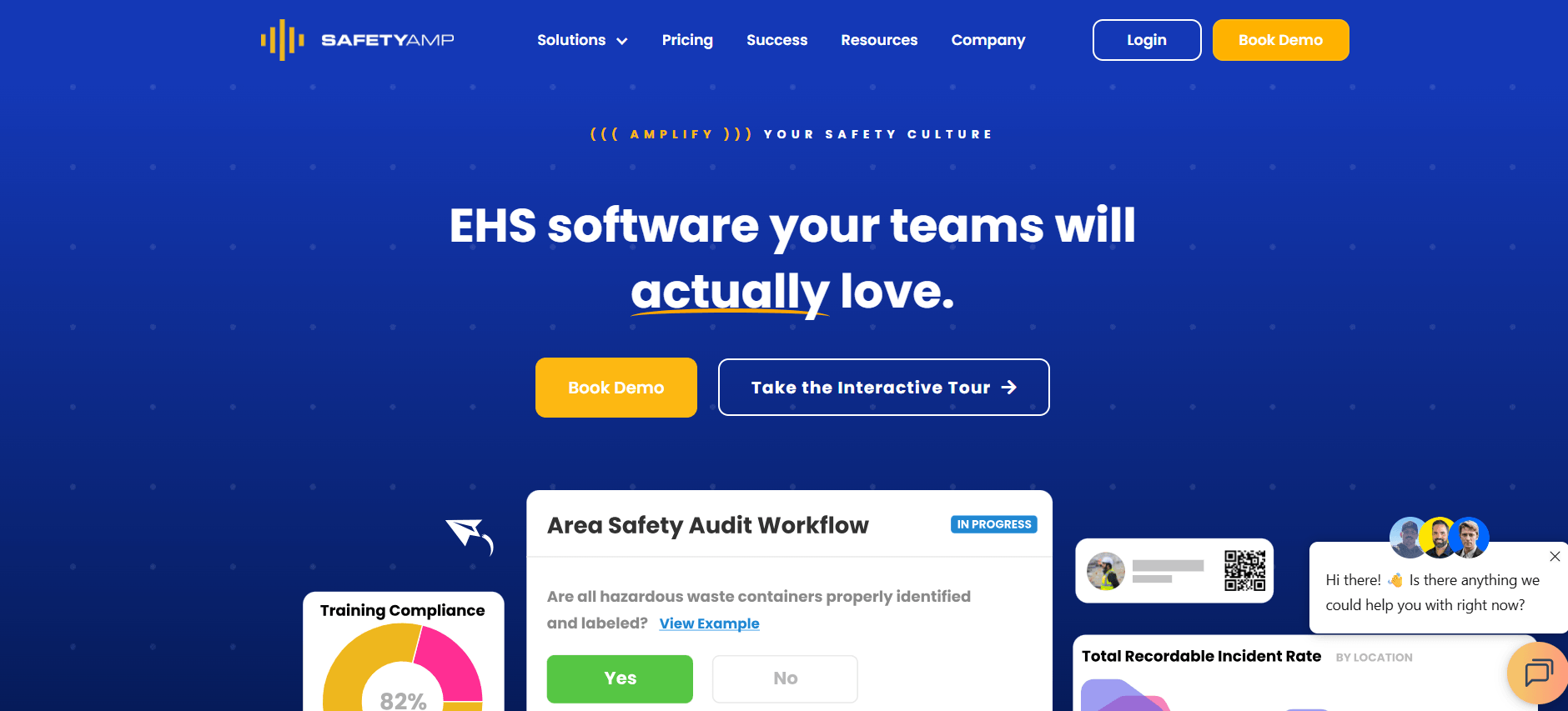
SafetyAmp is aimed at industrial and manufacturing teams and stands out for two reasons: it exports OSHA logs in a click, and it prices by organization rather than per user, which keeps the cost predictable as headcount moves.
What stands out
- Mobile capture with photos and attachments
- Configurable incident forms and automated routing
- One-click OSHA 300, 300A, and 301 export
- Built-in root-cause analysis and 20+ analytics reports
Pricing: The Champion tier starts at $4,800 per year for a single site up to 100 employees; larger tiers are quote-based.
Good fit if: You run a manufacturing or industrial site, need OSHA recordkeeping, and want predictable pricing.
Watch out for: Offline support is weaker than the mobile-first leaders, and full mobile incident entry was still maturing in mid-2026, so test it at a demo.
5. Vector EHS Management
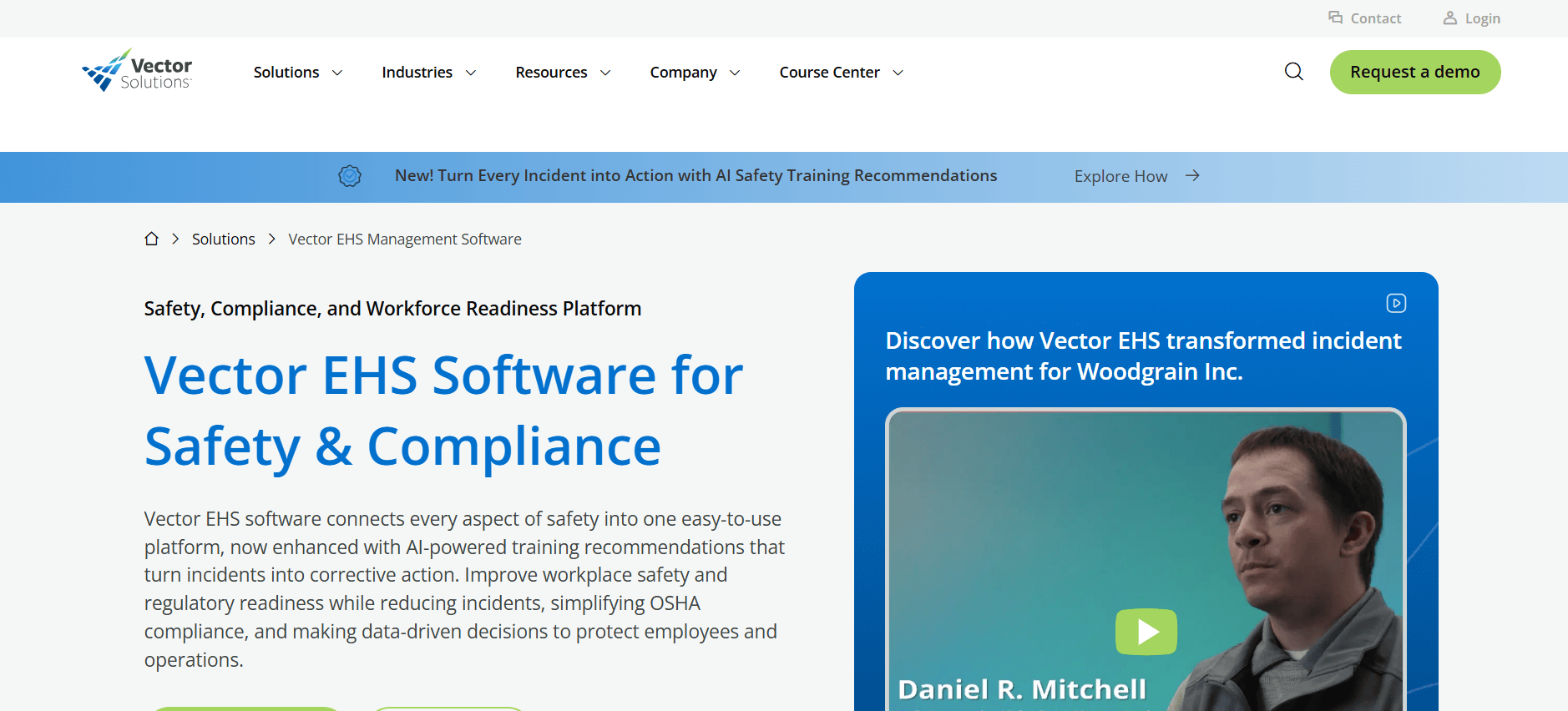
Best for dedicated OSHA recordkeeping and insurance-claim tracking.
G2 rating: limited public reviews under the legacy IndustrySafe listing, so lean on a demo
Vector EHS Management, formerly IndustrySafe, is a purpose-built EHS system with a strong recordkeeping and claims backbone. It's a fit when compliance paperwork and workers-comp claims are the real job, not just capturing a report.
What stands out
- Web and mobile EHS capture
- OSHA reporting and root-cause investigation
- Corrective-action workflows
- Insurance claim tracking
Pricing: Not publicly listed; quote-based.
Good fit if: You want a dedicated EHS system built around OSHA recordkeeping and claim tracking.
Watch out for: Public G2 reviews are thin under the legacy IndustrySafe listing, so evaluate it hands-on, and note the mobile app doesn't surface every module.
6. Intelex
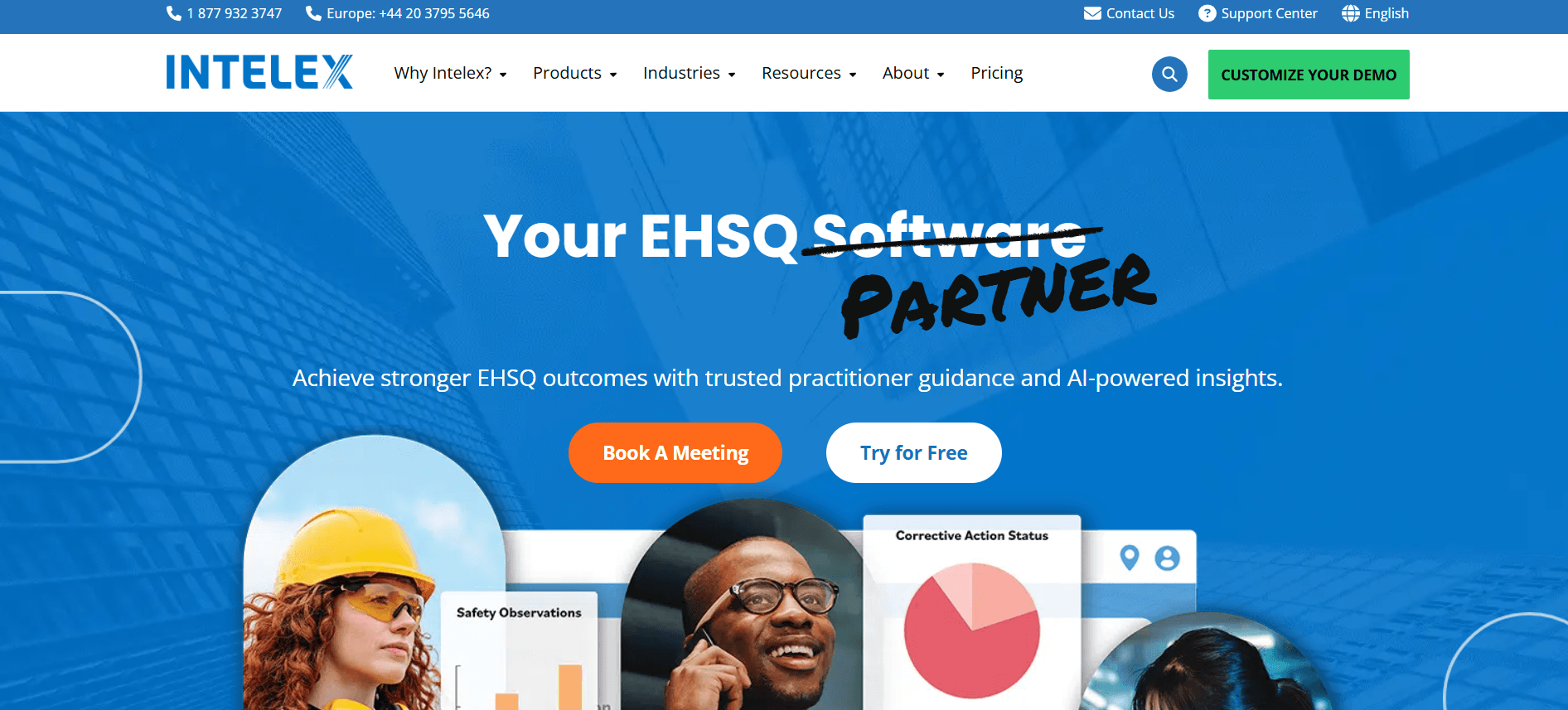
Best for large enterprises that need deep configurability.
G2 rating: 4.1 out of 5 (60+ reviews)
Intelex is an enterprise EHSQ platform for organizations with many sites and overlapping regulatory regimes. You can configure almost anything, and it plugs into the rest of the enterprise stack.
What stands out
- Incident, near-miss, and injury-illness reporting with offline mobile submission
- OSHA log population
- Root-cause analysis and CAPA
- Strong reporting and integrations (Power BI, SAP, Workday)
Pricing: Not publicly listed; quote-based.
Good fit if: You're an enterprise standardizing safety across many sites and want one configurable EHSQ platform.
Watch out for: The interface isn't the friendliest, and reviewers note a steep learning curve and occasional performance lag.
7. Cority
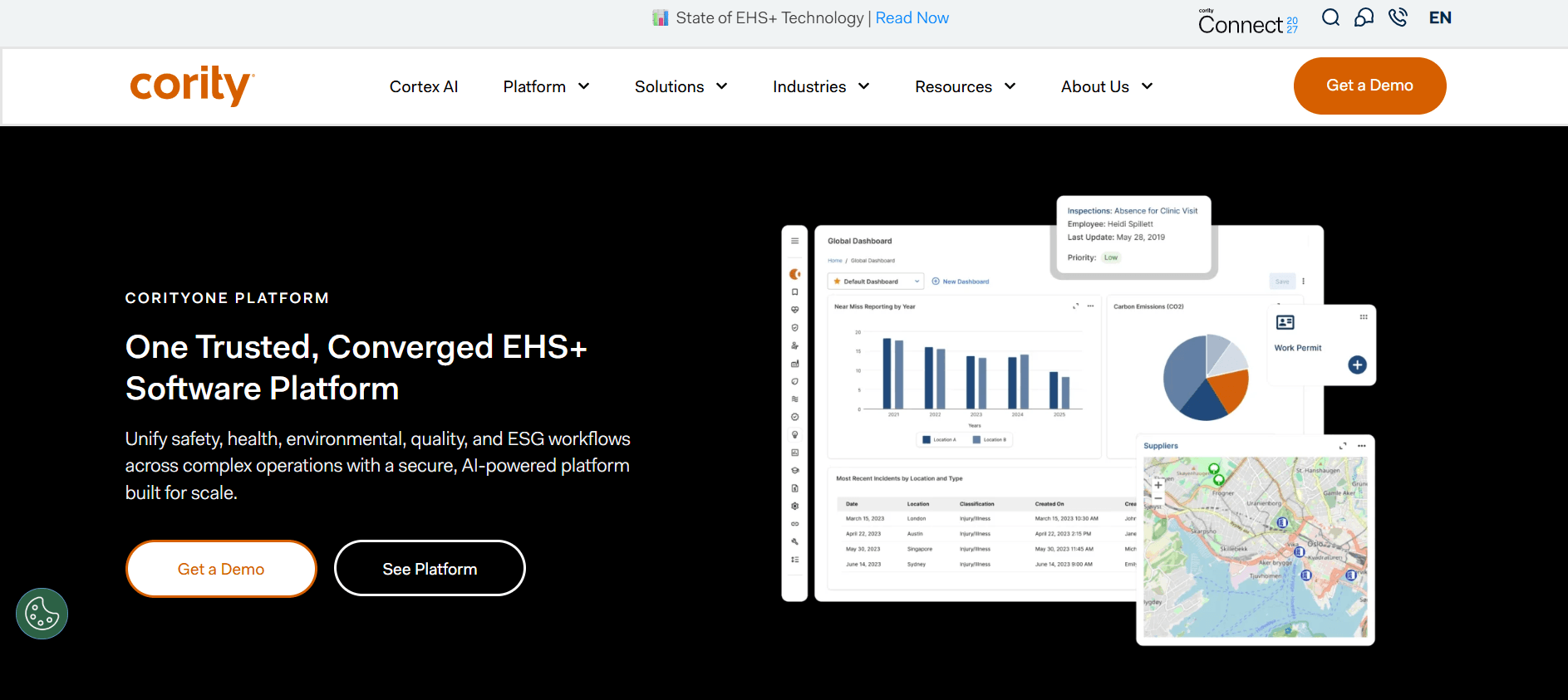
Best for complex, highly regulated enterprises.
G2 rating: 3.9 out of 5 (70+ reviews)
Cority (CorityOne) is a deep, no-code EHS platform for regulated industries that need safety, occupational health, industrial hygiene, and environmental management in one place. Its Cortex AI can even draft reports from dictation and analyze photos.
What stands out
- Real-time incident, near-miss, observation, and hazard capture from any device
- Standardized root-cause analysis and CAPA
- Configurable forms, rules, and dashboards
- OSHA reporting and Cortex AI assistance
Pricing: Not publicly listed; quote-based.
Good fit if: You're a regulated enterprise needing safety, occupational health, and environmental modules on one platform.
Watch out for: Setup is complex with a real learning curve, and reviewers report support consistency and occasional performance issues.
8. HSI Donesafe
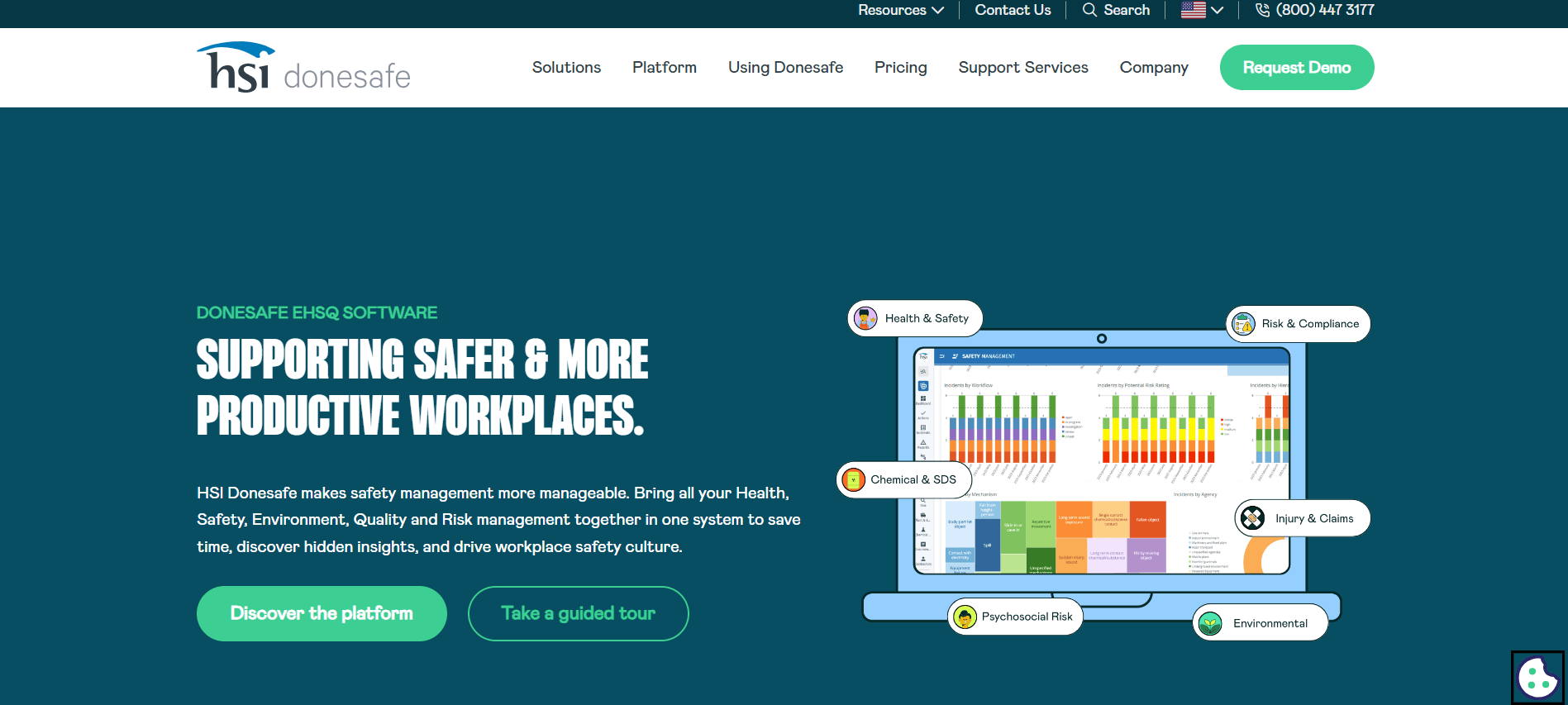
Best for a no-code, all-in-one EHS platform.
G2 rating: 4.6 out of 5 (57 reviews)
HSI Donesafe is a highly configurable no-code platform where incident reporting is one of dozens of modules. Teams that want to consolidate safety, training, and audits into a single self-service system tend to shortlist it.
What stands out
- Native iOS and Android field capture
- Automated OSHA 300 log generation
- No-code workflows and automation
- Dashboards plus HSI Intelligence AI, and consolidation with LMS and audits
Pricing: Not publicly listed; quote-based.
Good fit if: You want a flexible, self-service no-code EHS platform that goes well beyond incidents.
Watch out for: Initial setup is time-consuming, and some users find the interface dated.
9. Resolver
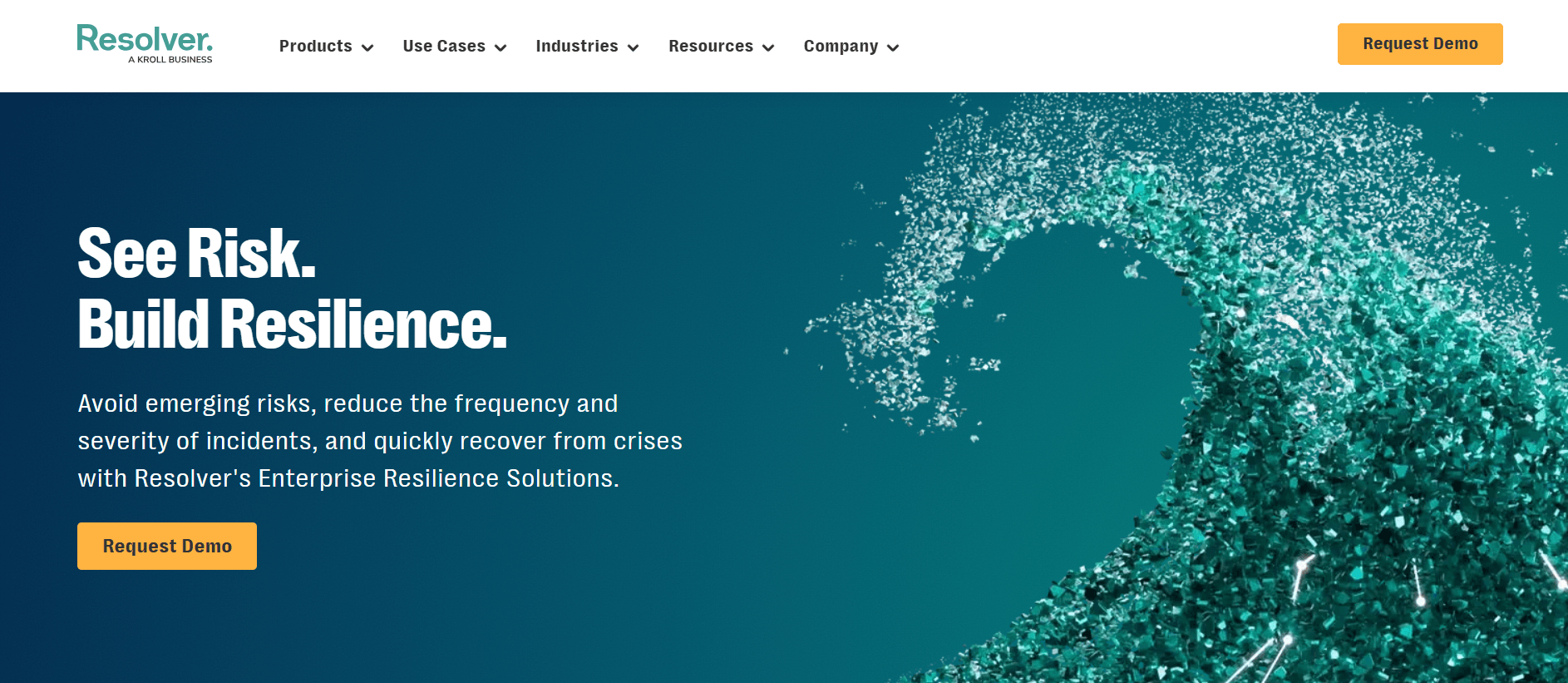
Best for security-driven incident and investigation management.
G2 rating: 4.3 out of 5 (170+ reviews, across its wider risk and security platform)
Resolver comes at incidents from the security and risk side. It's strong when a report needs to become an investigation or a case, with evidence, escalation, and link analysis, rather than just a safety log.
What stands out
- Field capture with photos, video, and documents
- Web portal plus iOS app with configurable routing and escalation
- Case and investigation management with link analysis
- Dashboards and scheduled reports
Pricing: Public pricing starts at $55 per user per month (minimum seven users, plus first-year training fees).
Good fit if: You're a security or safety team that needs incident, investigation, and case data in one place.
Watch out for: Implementation is lengthy, and its G2 rating spans a wider risk and GRC platform rather than safety alone.
10. Evotix
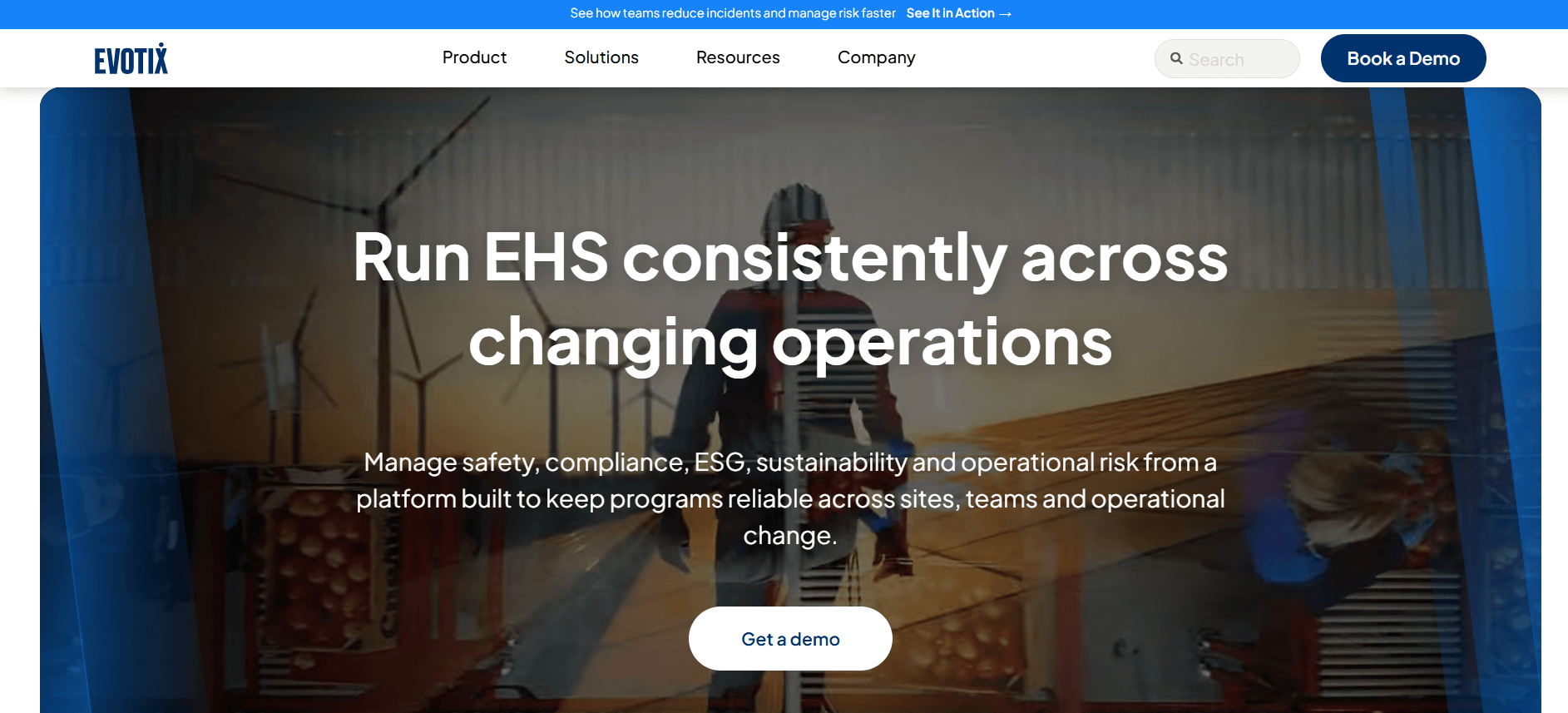
Best for frontline adoption through a strong native app.
G2 rating: 3.9 out of 5 (21 reviews)
Evotix puts its energy into the mobile experience, which is the right instinct if your challenge is getting frontline workers to report at all. It's a mid-market to enterprise EHS platform with a capable native app.
What stands out
- Mobile "report on the go" with photos, location, and signatures
- Root-cause investigation and CAPA
- No-code forms, workflows, and dashboards
- OSHA, RIDDOR, and WHS compliance reporting
Pricing: Not publicly listed; quote-based.
Good fit if: You're a mid-market or enterprise EHS team that wants frontline mobile adoption above all.
Watch out for: It sits at the higher end on price with a multi-month implementation, and its review sample is smaller than the leaders'.
Quick comparison
Where each tool fits, what it costs, and how it's rated. Verify current pricing on each vendor's site before you buy.
Features to look for
Past the demo gloss, a few features decide whether incident reporting software actually reduces incidents or just documents them.
- Mobile capture that works offline. Frontline workers won't walk back to a desktop to file a report later, they'll forget. The app has to work in their hand, on a bad signal, with a photo. This is exactly what EngagedlyFX incident reporting is built around.
- Near-miss and hazard reporting. The safety triangle is old but holds up: for every serious injury there are dozens of minor ones and hundreds of near misses (Heinrich / Bird, via Safety+Health). Capturing the small signals is how you prevent the big ones, so make near-miss reporting a 30-second task.
- OSHA recordkeeping built in. Auto-populating the 300, 300A, and 301 logs saves hours and avoids fines. OSHA penalties reach $16,550 per serious violation and $165,514 for willful or repeated ones (OSHA), so recordkeeping is not the place to wing it.
- Routing and corrective actions (CAPA). A report that lands in an inbox fixes nothing. Every report should route to a named owner with a deadline and track through to closure.
- Analytics and trends. The best systems turn incidents into leading indicators you can act on before the next one, not a log you read after.
How to choose the right tool
Match the tool to your real constraint rather than the longest feature list:
- Adoption is your problem: SafetyCulture or EngagedlyFX win because frontline workers will actually use them.
- Manufacturing or industrial with OSHA recordkeeping: SafetyAmp or Vector EHS. EngagedlyFX also has a dedicated manufacturing playbook.
- Healthcare or highly regulated: Cority or Intelex for depth; see also the healthcare use case for frontline-specific needs.
- Security and investigations: Resolver, which treats a report as the start of a case, not the end.
- One app for reporting plus comms and training: EngagedlyFX, so safety isn't a separate tool people forget to open.
Implementation tips
Incident reporting tools succeed or fail on culture as much as software. The rollout, not the feature list, usually decides whether reports keep coming after month three. Here's what the safety teams who get it right tend to do.
Start narrow, then expand
Resist the urge to switch on every module at every site on day one. That's the single most common reason these projects stall. Pilot one location or one incident type, near misses are a good place to start, for four to six weeks. Fix the form, the required fields, and the routing based on what real workers actually do, then roll it wider with a template that already works rather than a theory of one.
Make reporting a 30-second job
Frontline workers won't stop mid-shift to fill in fifteen fields. Pre-fill location and shift, keep required fields to the minimum, and let people attach a photo or a voice note instead of typing a paragraph. If a near-miss report takes longer than a minute, it won't get filed, and the low-consequence data you most need to prevent the next injury is exactly the data you'll lose.
"The best predictor of whether a reporting system works isn't its feature list. It's whether a worker can file a report before they've walked ten steps away from the hazard."
Build a blameless, just culture
People report more when reporting isn't punished. Fear of reprisal is a documented driver of under-reporting (GAO), which is why the safety researcher Sidney Dekker's idea of a "just culture," separating honest mistakes from genuine recklessness, has become a standard reference. Make it explicit, in words and in how managers react, that a near-miss report is a save, not a confession.
"You get the safety culture you reward. Punish the person who reports a near miss, and you've just taught everyone else to stay quiet."
Close the loop, visibly
Nothing kills a reporting habit faster than a black hole. Route every report to a named owner with a due date, and tell the person who filed it what happened. When workers see a hazard they flagged actually get fixed, reporting stops feeling like paperwork and starts feeling like it has a point.
Track leading indicators, not just recordables
Watch your near-miss and hazard reporting rate as a health metric in its own right. A rising number of near-miss reports usually means trust is growing, not that your workplace is getting more dangerous. Recognize the teams that report the most, rather than the ones that report the fewest incidents, or you'll quietly reward silence.
Frequently asked questions
What is incident reporting software?
Incident reporting software is a tool for logging, routing, tracking, and analyzing workplace incidents, from injuries and near misses to hazards and security events, from any device. It replaces paper and email, speeds corrective action, and produces audit-ready records for OSHA and other compliance requirements.
Why is incident reporting software important?
It captures incidents in real time from the frontline, prevents lost or delayed reports, standardizes data for OSHA and audits, and surfaces trends so organizations can fix root causes before serious accidents happen. Better reporting protects both people and the bottom line.
What features should incident reporting software have?
Look for mobile capture with photos and offline mode, near-miss and hazard reporting, automated routing and corrective-action tracking, OSHA 300/301 recordkeeping, trend analytics, and integrations with your safety and HR systems.
What is the difference between incident reporting and incident management software?
In workplace safety, the terms overlap and often mean the same thing. Be careful, though: "incident management" also names an IT category (ITSM) about service outages. For frontline safety, look for EHS or safety-focused tools, not IT ones.
Is there free incident reporting software?
Yes, to a point. SafetyCulture offers a genuinely usable free plan for smaller teams. Most dedicated EHS platforms are paid or quote-based, since they add OSHA recordkeeping, analytics, and multi-site workflows that free tools don't.
The bottom line
The best incident reporting software is the one your people will actually use. Deep EHS suites like Cority, Intelex, and HSI Donesafe are the right answer for complex, regulated enterprises. Mobile-first tools like SafetyCulture and Evotix win when adoption is the battle. And if safety keeps getting siloed in a tool nobody opens, folding reporting into the app your frontline already lives in is worth a serious look.
If you want incident reporting to sit alongside communication, scheduling, and training for a distributed frontline team, book a demo of EngagedlyFX and see how it compares to the tools above.
Related reading
- Enhanced workplace safety through employee engagement
- How safety can protect and engage essential employees
- Best practices for frontline success in manufacturing and construction
- How Archer Mechanical built a safer, more connected workforce
- EngagedlyFX incident reporting feature
















Recent articles
.png)
.png)
.png)


Operate. Connect. Perform.
EngagedlyFX delivers actionable insights and engagement tools to reduce turnover, increase productivity and improve employee well-being.