.png)
Shift scheduling software builds, publishes, and manages employee work schedules in one place. It handles shift assignments, availability, swaps, labor-law compliance, and real-time alerts, so you can drop the spreadsheets and the group texts. For frontline teams, the right tool cuts understaffing, reins in overtime, and puts everyone's schedule on their phone.
Building a shift schedule by hand is one of those jobs that eats a manager's whole afternoon and still ends with someone texting "wait, am I on Saturday?" at 9pm. If that sounds familiar, you're the reason this category exists.
A lot of these tools do the same core thing well. The differences that matter show up at the edges: how they handle 24/7 coverage, whether the mobile app is good enough that your team actually opens it, how much they cost once you add a second or third location, and whether they'll flag a fair-workweek violation before it becomes a fine. This guide covers twelve options for 2026, who each one suits, and what to check before you commit.
Quick picks: the short version
If you just want a starting point, here's where each tool lands. The full breakdown follows below.
- Best for most small and mid-sized teams: When I Work.
- Best for distributed frontline teams that also need communication and engagement: EngagedlyFX.
- Best free tool for a single location: Homebase.
- Best for restaurants: 7shifts.
- Best for complex, high-compliance enterprises: Shiftboard or Workforce.com.
- Best if you already use Microsoft Teams: Microsoft Shifts.
What is shift scheduling software?
Shift scheduling software is a tool that plans, publishes, and manages who works when. Instead of a spreadsheet, you get a shared schedule that lives in the cloud and updates in real time.
The good ones do more than draw a grid. They:
- Store each person's availability and skills, and build schedules that respect those rules
- Let employees swap or pick up open shifts with a tap
- Warn you before someone tips into overtime
- Check the plan against labor laws
- Include a time clock, so scheduled hours and actual hours reconcile (which is where a lot of payroll errors come from)
Getting this wrong is expensive. Replacing a single hourly worker costs roughly 16% of their annual pay (Center for American Progress), and understaffing, over-scheduling, and buried overtime chip away at margins one shift at a time. You can put a rough number on your own exposure with the EngagedlyFX turnover cost calculator. Better scheduling is one of the cheaper ways to protect that.
For deskless and frontline teams, the phone is the whole product. Around 80% of the world's workforce, roughly 2.7 billion people, don't work at a desk (Emergence Capital). If the mobile app is clunky or the notifications are unreliable, the software fails no matter how clever the scheduling engine is. This is the gap frontline-first platforms like EngagedlyFX shift scheduling are built to close, and it's worth holding every option below up against it.
Shift scheduling software vs. employee scheduling software
These two phrases get used for the same thing, which trips up a lot of buyers. "Shift scheduling software" tends to emphasize rotating shifts and 24/7 coverage, the kind of scheduling you see in manufacturing, healthcare, and hospitality. "Employee scheduling software" and "employee scheduling app" are the broader labels for the same category.
In practice, almost every tool in this guide handles both. So don't get hung up on the term a vendor uses on its homepage. Focus on whether the product supports your actual shift patterns, your compliance rules, and the way your team works day to day.
How we evaluated these tools
We started from a longer list of scheduling tools and narrowed it to the twelve here based on frontline fit, adoption, and how well each one holds up in real shift work. Ratings cited throughout are from G2 as of 2026, and pricing reflects each vendor's public plans in late 2025. We weighed scheduling capability first, then the practical stuff that decides whether a tool survives past month one:
- Scheduling power. Auto-scheduling, shift swaps, open-shift claiming, and support for rotating and 24/7 patterns.
- Mobile experience. How usable the app is for people who never touch a laptop.
- Multi-location fit. Whether the price and features hold up across several sites.
- Compliance. Help with predictive-scheduling and fair-workweek rules.
- Real cost. Free tiers that are genuinely usable versus the ones built to trigger a sales call.
Pricing below reflects what each vendor listed in late 2025. Software prices move around, and a few of these vendors don't publish numbers at all, so treat the figures as a starting point and confirm on the vendor's page before you buy.
The 12 best shift scheduling tools of 2026
1. When I Work
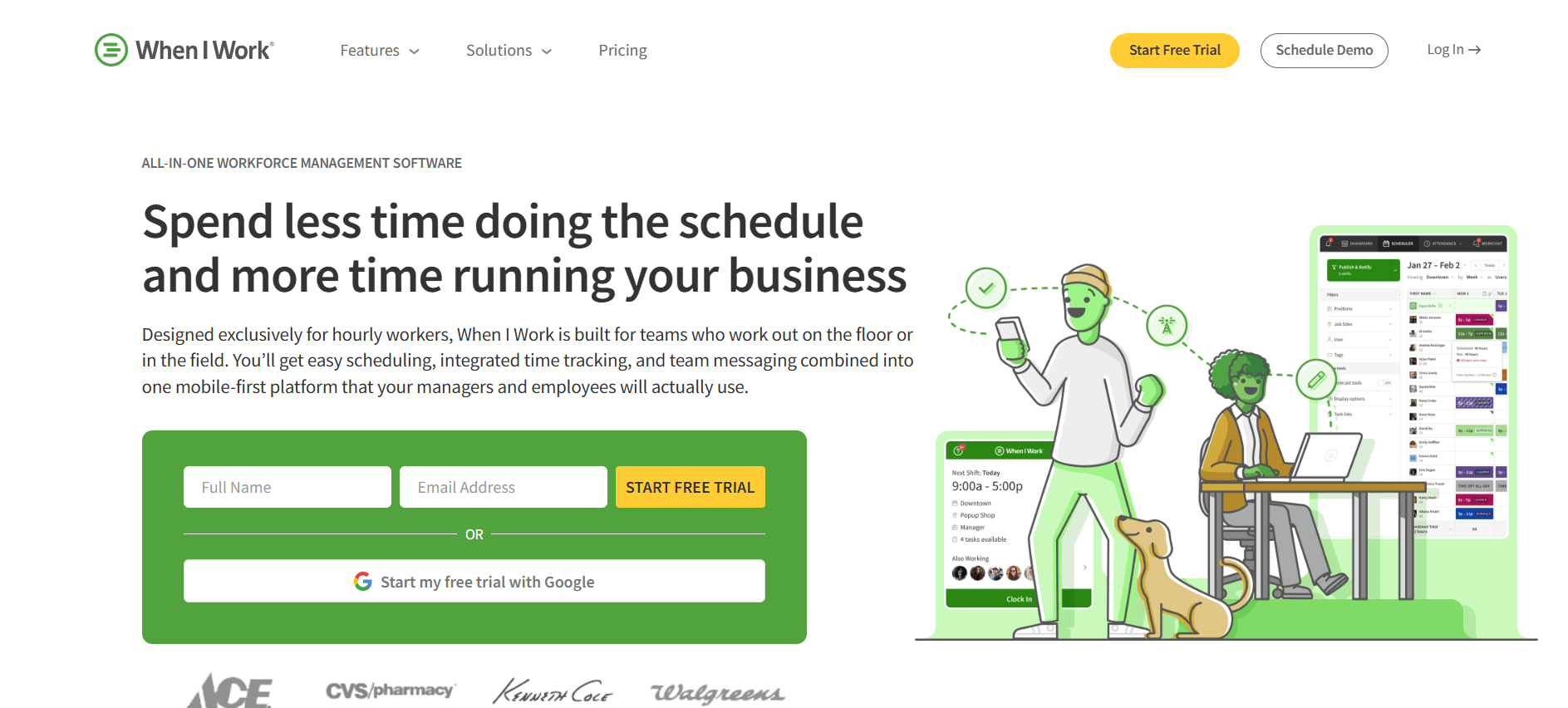
Best for small and mid-sized teams that want easy, mobile-first scheduling.
G2 rating: 4.4 out of 5 (380+ reviews)
When I Work is the tool people recommend when someone asks for "something simple that my team will actually use." The time savings mostly come from employees handling their own swaps and open shifts.
What stands out
- Drag-and-drop shift builder with reusable multi-week templates
- Auto-scheduler that matches shifts to availability and qualifications
- Self-service shift swaps and open-shift claiming
- Built-in time clock with geofencing and in-app messaging
Pricing: From about $2.50/user/mo for scheduling on a single location, roughly $5/user/mo for multi-location. Adding time and attendance pushes the tiers higher. 14-day trial, no free plan.
Good fit if: You run retail, hospitality, or a care setting and want low-friction scheduling your staff pick up without training.
Watch out for: No phone support, and the reporting is thin if you need detailed labor analytics.
2. Deputy
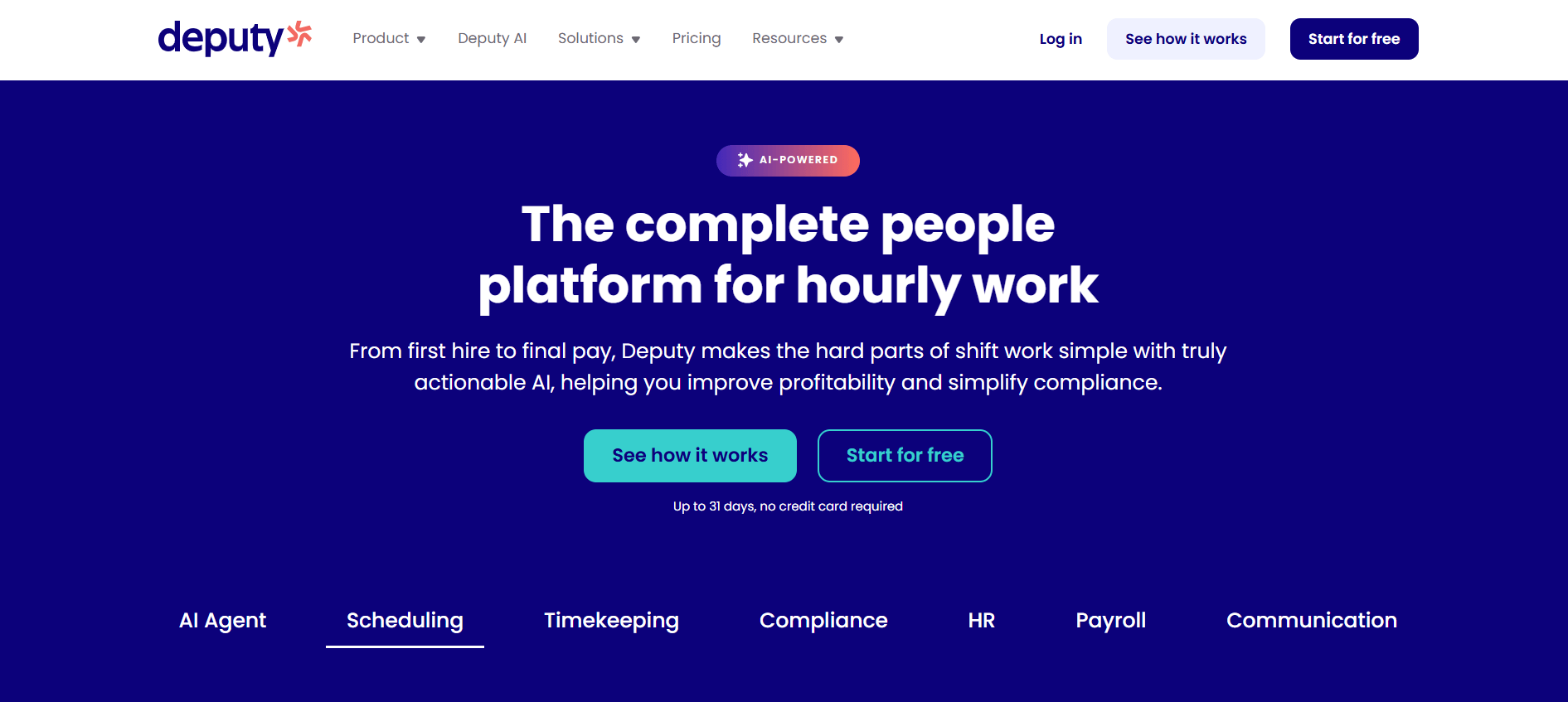
Best for demand-based scheduling and tight labor-cost control.
G2 rating: 4.6 out of 5 (660+ reviews)
Deputy leans harder into the money side of scheduling. It's a strong pick for multi-location retail and hospitality where every labor hour shows up on the P&L.
What stands out
- Forecasts demand from your sales data and schedules around it
- Wage and working-hour compliance rules built in
- Shift swaps and skill-based assignment
- Biometric time clock with labor-budget tracking
Pricing: Roughly $5 (Lite), $6.50 (Core), and $9 (Pro) per user after a September 2025 restructure, with an Enterprise quote tier. Note the new $30/month minimum spend on monthly plans.
Good fit if: You want labor cost tied to sales forecasts across several sites.
Watch out for: The 2025 pricing change and new minimum make budgeting fiddlier, and the forecasting doesn't factor in weather or foot traffic.
3. EngagedlyFX
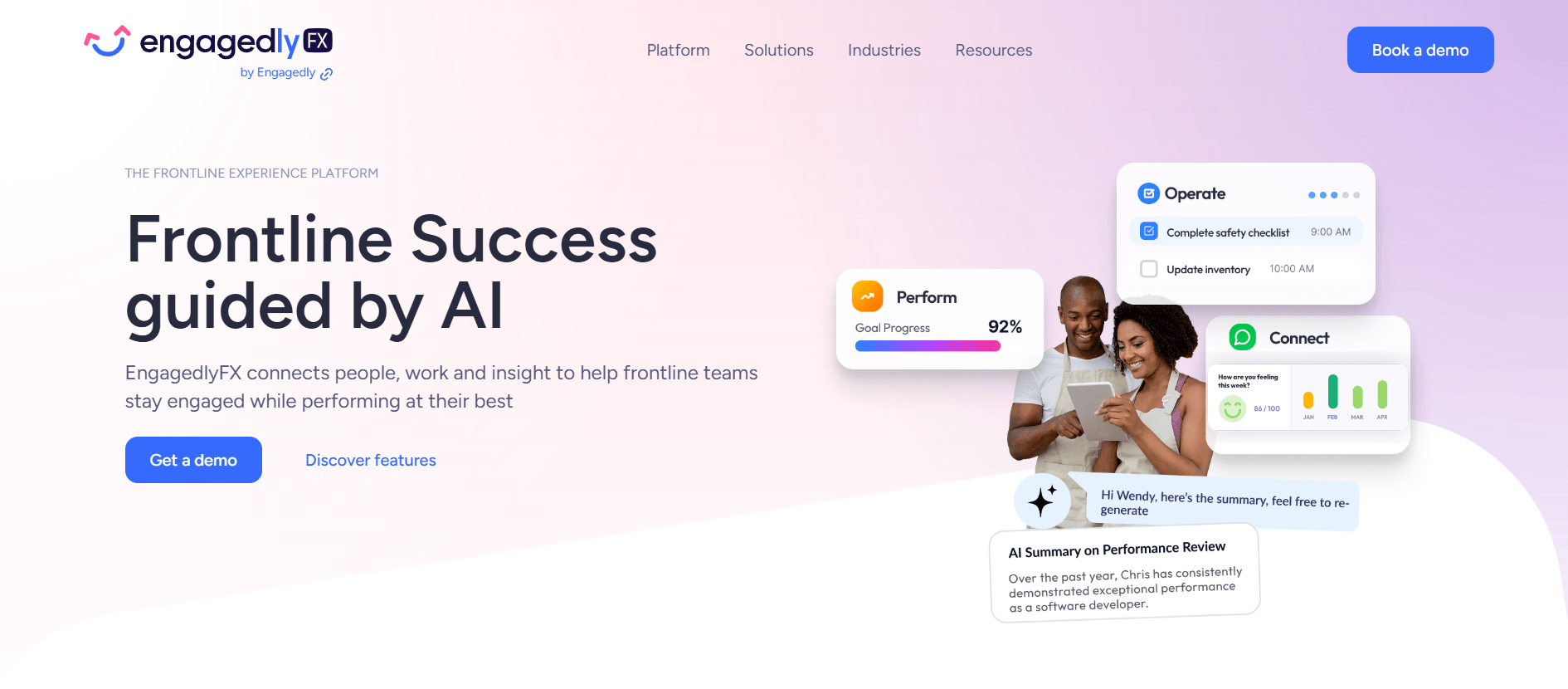
Best for frontline and deskless teams that want scheduling plus communication and engagement in one app.
G2 rating: the broader Engagedly platform holds 4.3 out of 5 (530+ reviews); the frontline scheduling product is a newer entrant in this specific category
This is our platform, so here's the honest version. Most tools on this list solve scheduling and stop there, which means you end up bolting on a separate app for messaging, another for recognition, another for training. EngagedlyFX is built for frontline workforces, so scheduling shares one app with all of that. If your problem is purely "draw a schedule," that breadth is more than you need. But if your real problem is that frontline staff feel disconnected and you're juggling five tools to reach them, consolidating usually turns out to be the better long-term call.
What stands out
- Scheduling shares one app with communication, recognition, surveys, training, and incident reporting
- Staff see shifts, swap them, read updates, and flag issues without switching apps
- Built for distributed, deskless teams rather than single fixed sites
- Cuts the app sprawl most frontline operators quietly put up with
Pricing: Not publicly listed; pricing is quote-based. Contact sales for a number tied to your headcount and locations.
Good fit if: You manage a distributed frontline team and want scheduling, communication, and engagement to live together instead of across separate tools.
Watch out for: It's a full frontline platform, so a very small team that only needs a bare schedule may not use everything it offers. Pricing is set up per organization, so you'll book a quick call for a quote rather than picking a plan off a page.
More on how it works: EngagedlyFX shift scheduling, or see the workforce management solution.
4. Homebase
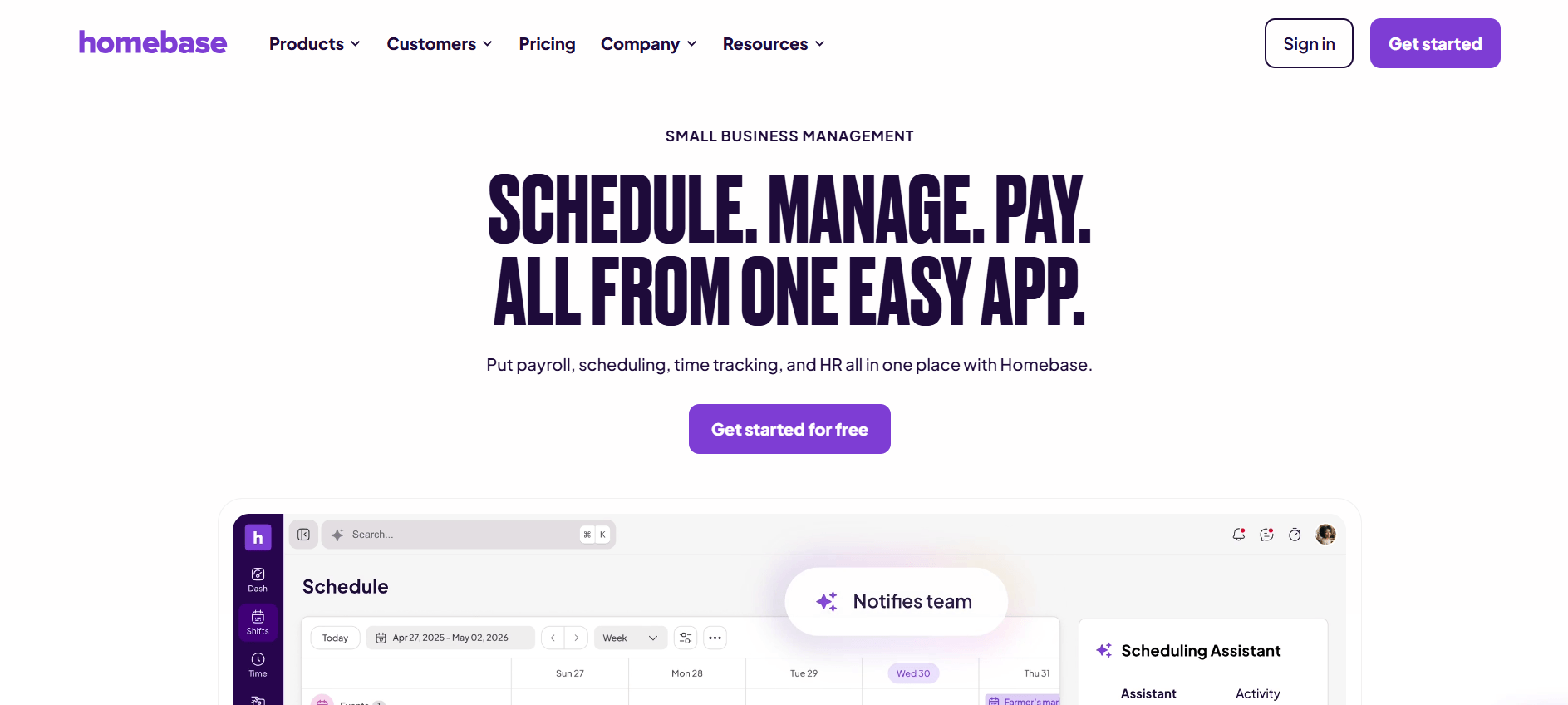
Best for single-location small businesses that want a genuinely free tool.
G2 rating: 4.5 out of 5 (440+ reviews)
Homebase is one of the few tools with a free tier that isn't a bait-and-switch. Because it's priced per location rather than per user, a busy single site with lots of staff can come out ahead.
What stands out
- Free for one location, up to 20 employees (scheduling, time clock, messaging)
- Priced per location instead of per user
- Auto-scheduling, labor-cost tools, and tighter compliance on paid tiers
- Optional payroll add-on
Pricing: Free for one location (up to 20 employees). Paid plans are $24 (Essentials), $56 (Plus), and $96 (All-in-one) per location per month.
Good fit if: You run one small location and want real scheduling for free, or flat per-location pricing.
Watch out for: Costs stack up per location, so multi-site operators can end up paying more than a per-user tool would charge.
5. Connecteam
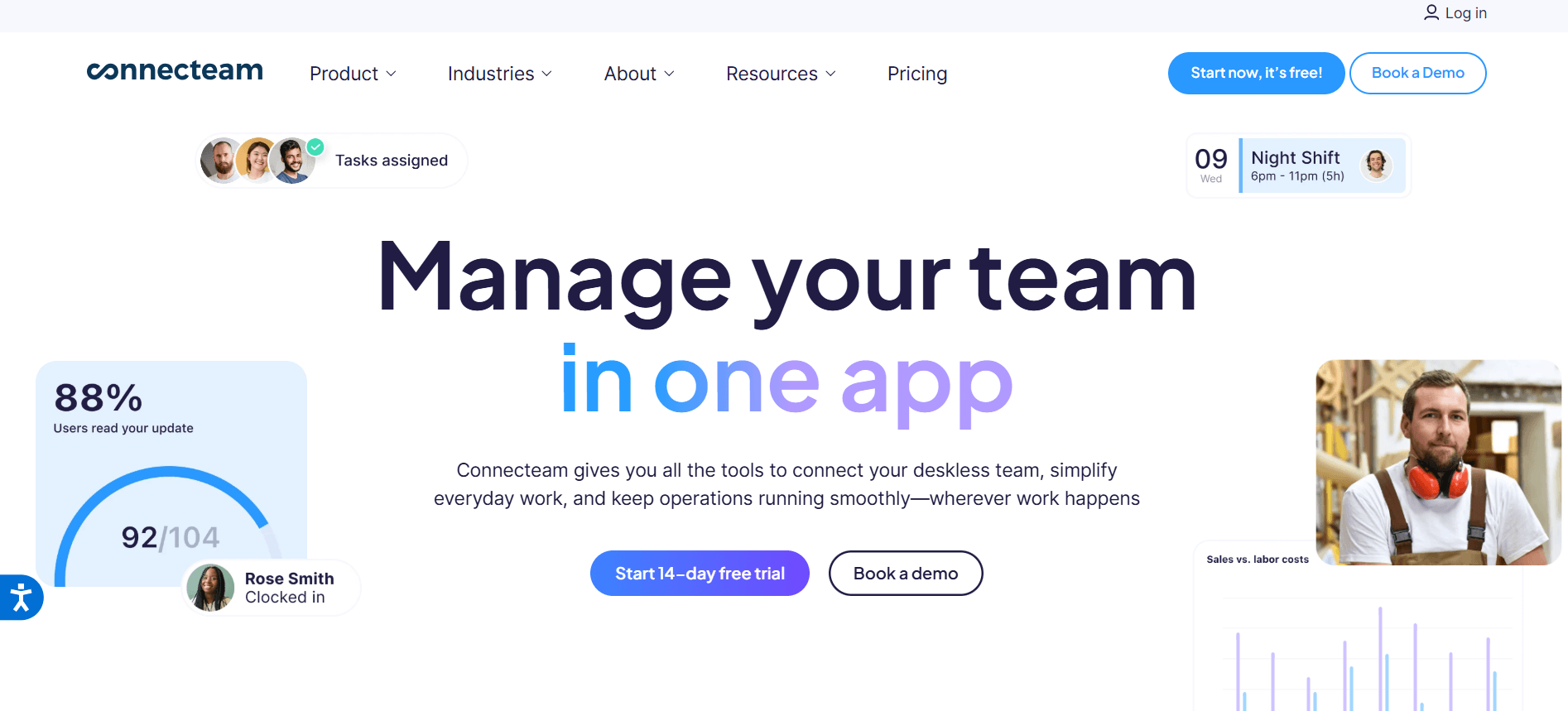
Best for deskless teams that want scheduling bundled with operations.
G2 rating: 4.6 out of 5 (3,400+ reviews)
Connecteam is aimed squarely at frontline teams and packs scheduling in with chat, tasks, and GPS time tracking. The built-in communication tools are a genuine strength for teams that don't share an office.
What stands out
- Auto-schedule around availability, with open shifts to claim
- Chat, task management, and announcements built in
- GPS and geofenced clock-in across sites
- Flat rate for your first 30 users, then per user
Pricing: Free for up to 10 users. Paid Operations tiers run $35 (Basic), $59 (Advanced), and $119 (Expert) per month for up to 30 users, plus Enterprise quotes.
Good fit if: You want scheduling plus messaging, tasks, and time tracking for a frontline team under 30 people.
Watch out for: The hub-based pricing gets confusing and can climb past 30 users, and reporting stays fairly surface-level.
Weighing the two head to head? See the EngagedlyFX vs. Connecteam comparison.
6. Sling
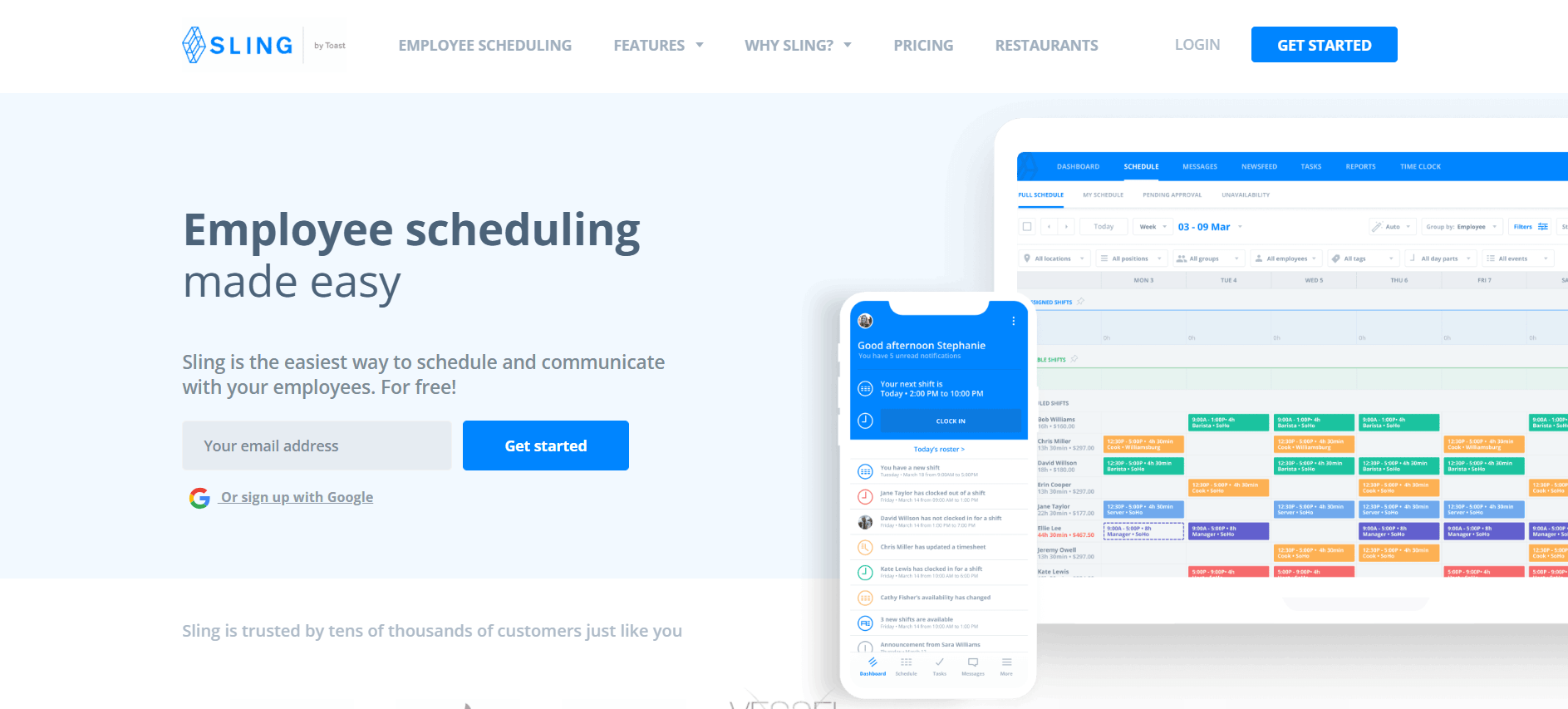
Best for SMBs that want free scheduling with strong team communication.
G2 rating: 4.4 out of 5 (85+ reviews)
Sling, now part of Toast, offers a free tier that covers scheduling and communication for up to 30 users, which is more generous than most. It's an easy yes for smaller restaurants and shops, especially on Toast POS.
What stands out
- Free scheduling and team communication for up to 30 users
- Drag-and-drop scheduling, swaps, availability, and time-off
- Built-in newsfeed for announcements
- Pay only for active users
Pricing: Free for scheduling and comms. Premium is about $1.70/user/mo and Business about $3.40/user/mo on annual billing.
Good fit if: You want a capable free scheduler with team messaging and transparent, low per-user pricing.
Watch out for: Time tracking, PTO, and reporting sit behind the paid tiers, and it's lighter than a full workforce suite.
7. 7shifts
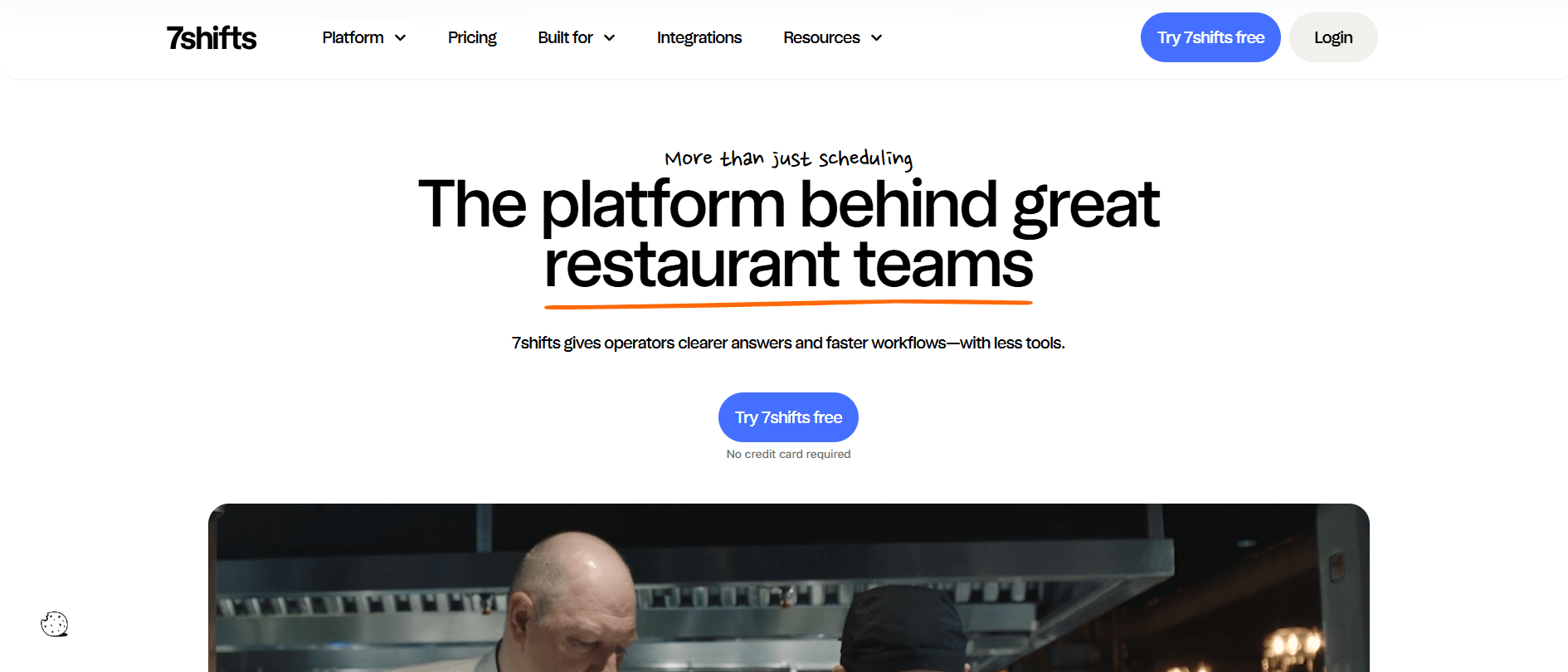
Best for restaurants that need scheduling plus tips and payroll.
G2 rating: 4.5 out of 5 (120+ reviews)
7shifts is built for restaurants and it shows. If you're tired of forcing generic tools to fit restaurant math, this is the one designed for you.
What stands out
- Restaurant scheduling with a shift pool and swaps
- Tip pooling, restaurant payroll, and POS-tied labor costing
- Manager log book and tasks
- Deep Toast and Square integrations
Pricing: Free for one location (up to 20 employees). Paid tiers are $34.99 (Entrée), $76.99 (The Works), and $150 (Gourmet) per location per month. No contracts.
Good fit if: You run a restaurant and want tips, labor costing, and payroll in the same tool as the schedule.
Watch out for: It's restaurant-only, and the more useful features sit on the pricier Works and Gourmet tiers.
8. Shiftboard
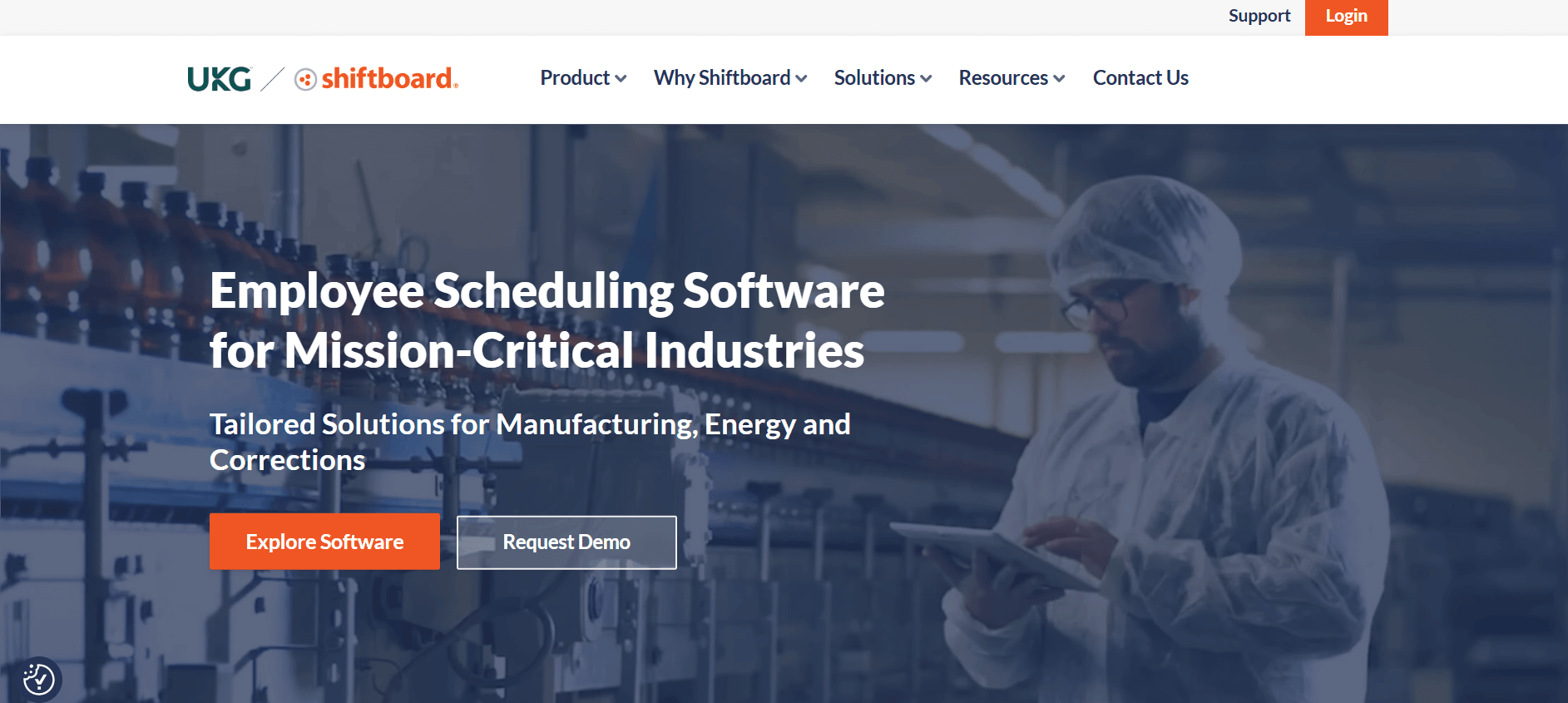
Best for complex, high-compliance enterprise operations.
G2 rating: 4.6 out of 5 (50 reviews, listed as ScheduleFlex)
Shiftboard is where you go when scheduling is genuinely hard: manufacturing plants, hospitals, staffing agencies, and security firms with layered rules. It's enterprise software, priced and built accordingly.
What stands out
- Automated, demand-based scheduling with coverage optimization
- Rule-based assignment (overtime balance, seniority, job class)
- Self-service volunteer, trade, and decline
- Enterprise integrations (ADP, Workday, Salesforce)
Pricing: Not publicly listed; enterprise and quote-based.
Good fit if: You have complex, rules-heavy, compliance-driven scheduling at real scale.
Watch out for: Pricing is opaque and there's a learning curve, so it's overkill for a small or straightforward operation.
9. Workforce.com
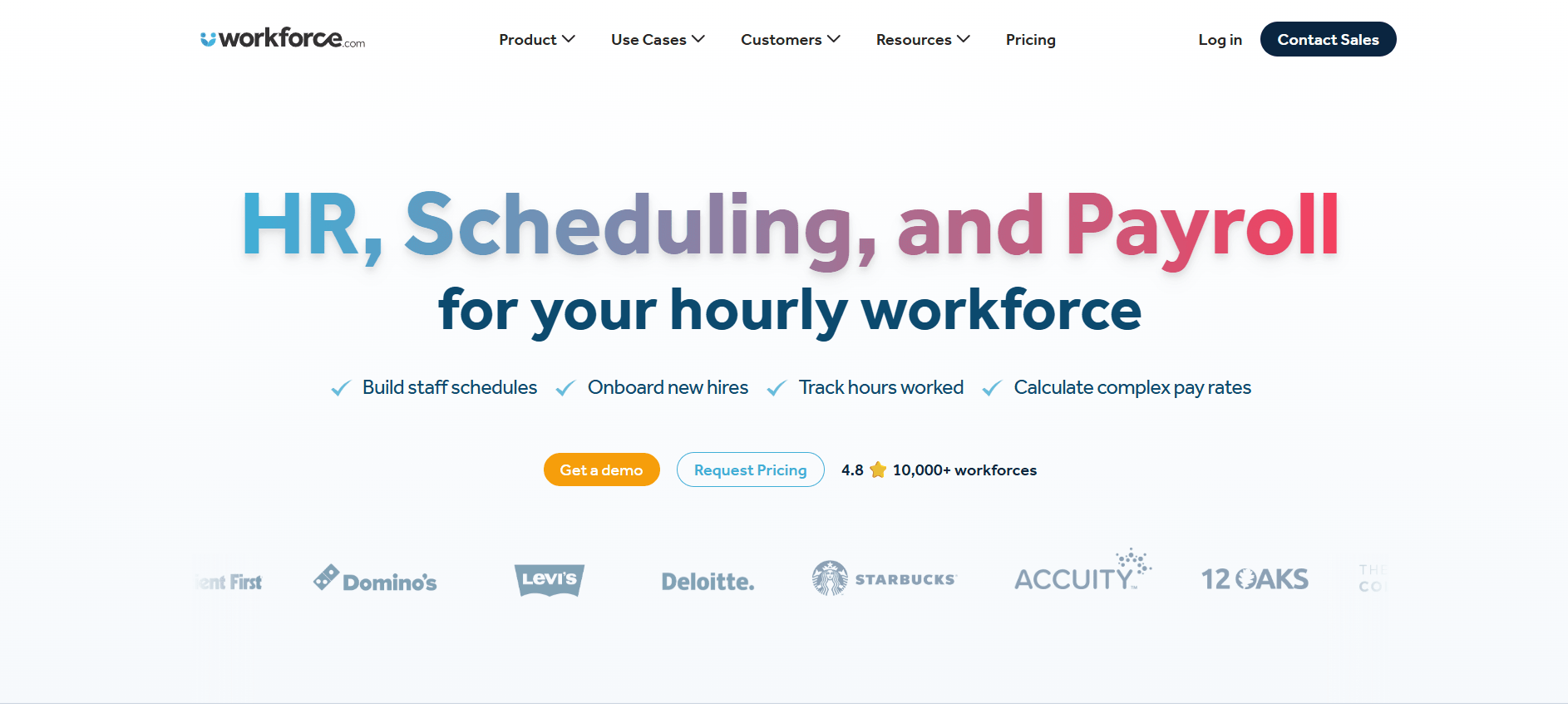
Best for hourly, multi-location operations that want AI forecasting and payroll in one.
G2 rating: 4.5 out of 5 (120+ reviews)
Workforce.com targets hourly operations in the roughly 20 to 3,000 employee range and puts AI labor forecasting at the center. It's a heavier, more complete system than most SMB tools.
What stands out
- AI labor forecasting from sales, foot traffic, and weather
- Live wage cost shown as you build the schedule
- Automatic fair-workweek and rest-break compliance
- Native scheduling-to-payroll
Pricing: Not publicly listed; quote-based, licensed per user by module.
Good fit if: You want serious demand forecasting and native scheduling-to-payroll across multiple sites.
Watch out for: No public pricing, and it's more system than a small team needs.
10. Quinyx
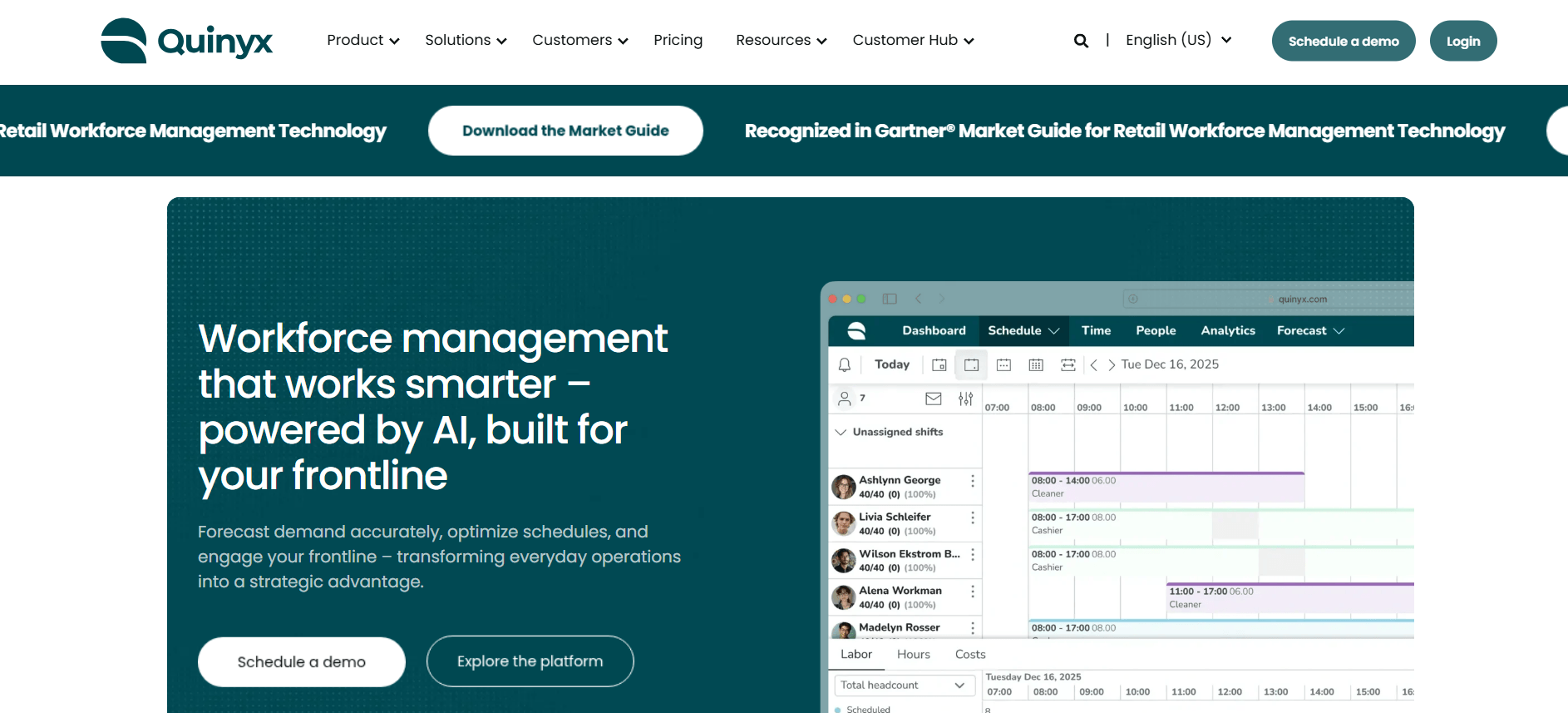
Best for mid-to-large enterprises that want full workforce management.
G2 rating: 4.3 out of 5 (520+ reviews)
Quinyx is a full workforce management platform with AI forecasting and scheduling optimization at its core. It fits companies that have outgrown a simple scheduler. As with most enterprise WFM, you're buying a platform and an implementation, not just an app.
What stands out
- AI demand forecasting and schedule optimization
- Skills- and availability-based assignment, plus swaps
- Built-in labor-law compliance and payroll export
- Full WFM, not just a schedule grid
Pricing: Not publicly listed; enterprise and quote-based. Third-party estimates put it around $5 to $8 per employee per month, but that's unverified.
Good fit if: You need AI forecasting and deep WFM, not just a schedule grid.
Watch out for: No transparent pricing, and there's meaningful setup cost and complexity.
11. Microsoft Shifts
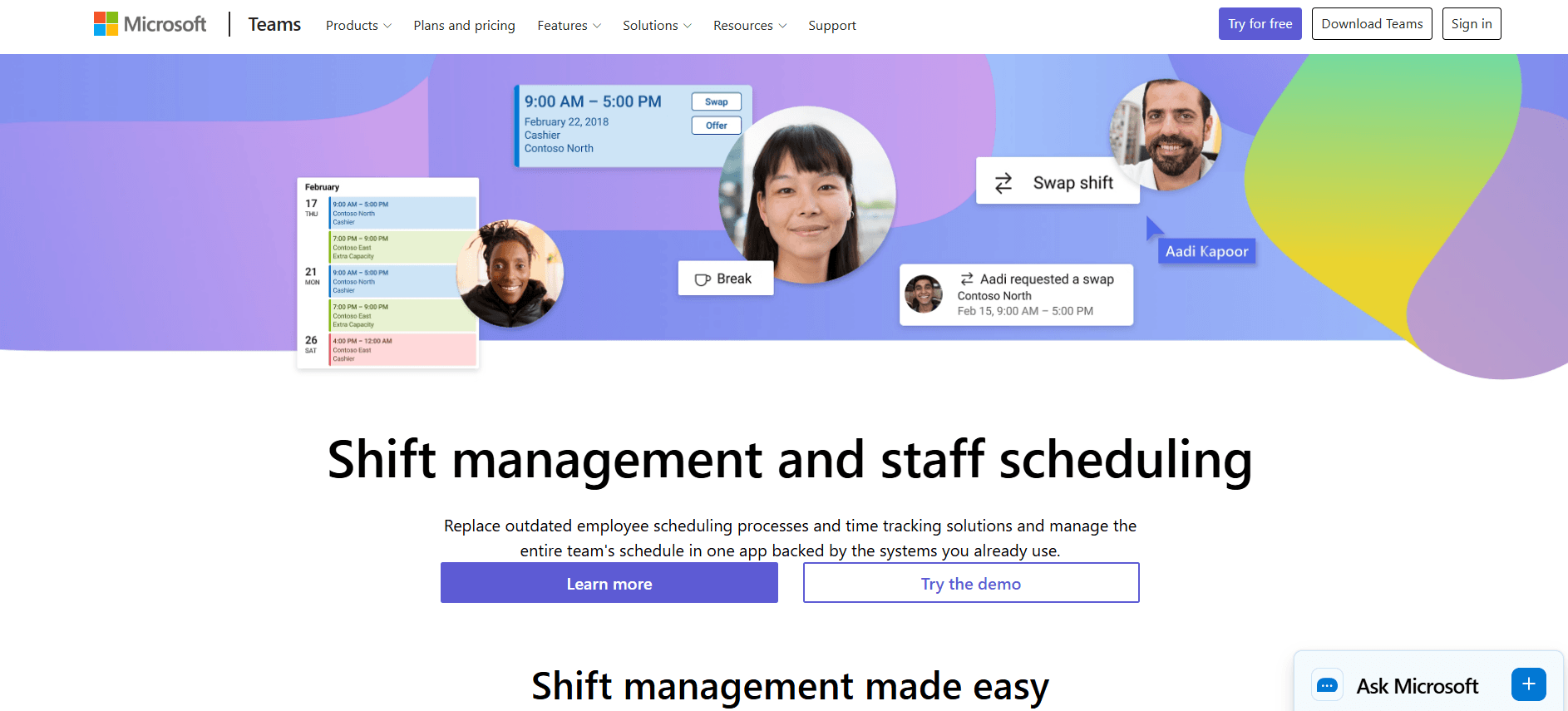
Best for organizations already living in Microsoft Teams.
G2 rating: not rated separately, since it is built into Microsoft Teams
If your company already runs on Microsoft 365, Shifts is built into Teams at no extra cost. It's basic on purpose, but for a Microsoft shop that needs simple frontline scheduling, that's a hard deal to beat.
What stands out
- Built into Teams with no separate charge
- Managers build schedules; staff view shifts, request swaps and time off
- Group and broadcast messaging inside Teams
- No AI scheduling or demand forecasting
Pricing: No separate charge; included with Microsoft 365 plans that include Teams (F1, F3, E1, E3, E5, and Business plans).
Good fit if: You already pay for Teams and need straightforward scheduling without buying more software.
Watch out for: No AI scheduling, forecasting, or fair-workweek tooling, and the legacy enterprise WFM connectors retire on November 14, 2025.
12. ZoomShift
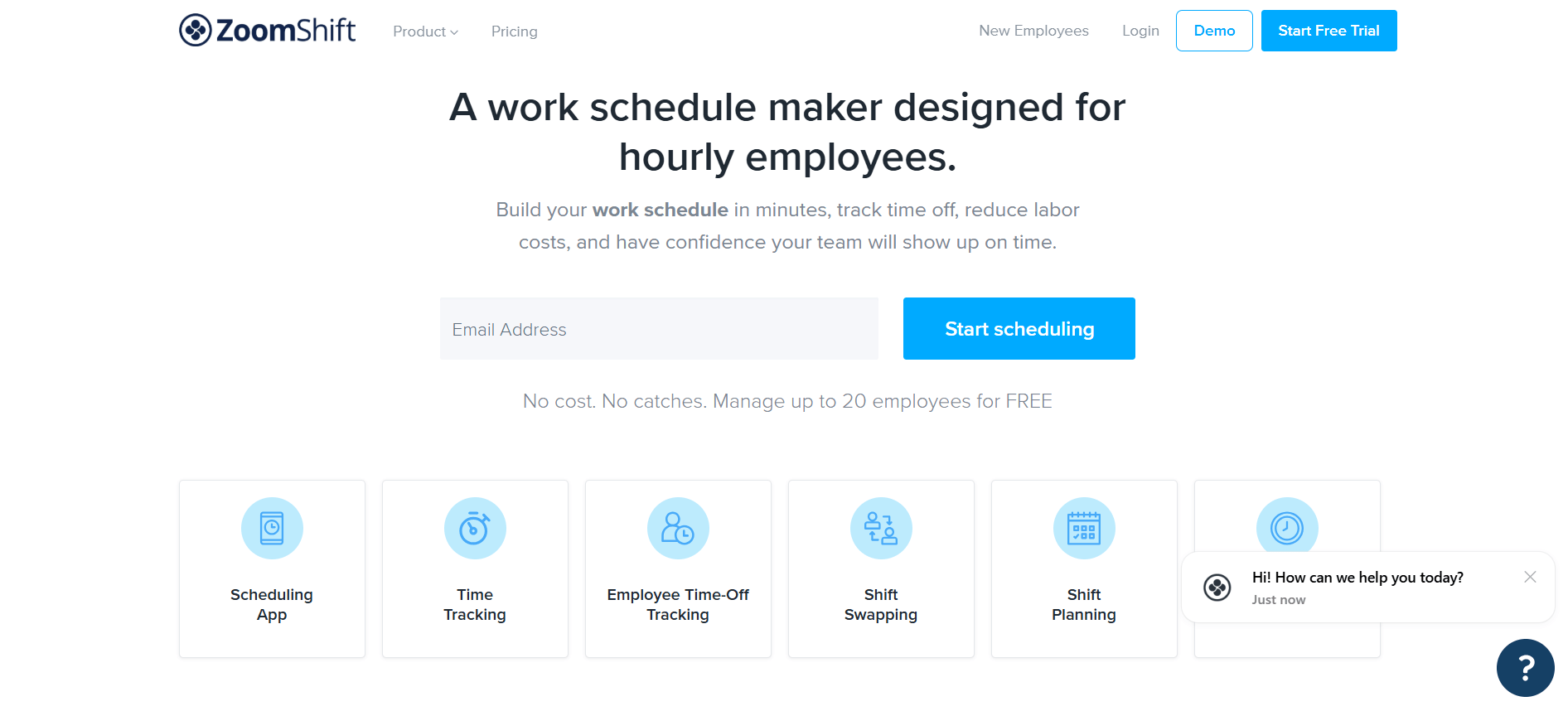
Best for small hourly teams that want simple, low-cost scheduling.
G2 rating: 4.8 out of 5 (44 reviews)
ZoomShift keeps things deliberately simple and cheap. It won't forecast demand or manage fair-workweek compliance, but for a small team that just needs a reliable schedule, that's fine.
What stands out
- Drag-and-drop templates
- Availability, time-off, and shift-cover requests
- Mobile clock-in with geofencing
- Auto-scheduling and overtime warnings on Premium
Pricing: Free for up to 20 users on one location. Starter is about $2.50 and Premium about $5.00 per active member per month on annual billing.
Good fit if: You run a small hourly team and want transparent, low pricing with a real free tier.
Watch out for: It's lightweight, with no demand forecasting and auto-scheduling locked to the top tier.
Quick comparison
A side-by-side of where each tool fits and roughly what it costs. Verify current pricing on each vendor's site.
Features to look for
Once you get past the demo polish, a handful of features separate a tool you'll still be using in two years from one you'll rip out.
- Auto-scheduling that respects your rules. Any tool can draw a grid. The useful ones build a compliant draft in seconds from availability, skills, and labor budgets, then let you adjust. By 2026 this is close to table stakes.
- Real shift swapping with guardrails. Staff should swap and pick up open shifts on their own, but every swap should still run through approval and compliance checks so you don't wake up understaffed.
- A mobile app your team will open. For deskless workers the app is everything. Check notification reliability and offline access, not just how the screenshots look. Frontline-first platforms such as EngagedlyFX are designed around the phone rather than treating the app as an afterthought to desktop software.
- Communication tied to the schedule. A shift change only helps if people actually see it. Tools that keep messaging in the same place as scheduling, EngagedlyFX and Connecteam among them, close a loop that a standalone scheduler leaves open.
- Fair-workweek compliance. Oregon and around eleven cities, including Chicago, New York, Seattle, and Los Angeles, now enforce predictive-scheduling laws. In Oregon, for example, an employer that changes a posted schedule without 14 days' notice owes the worker an extra hour of pay, plus half their regular rate for each scheduled hour they no longer get to work (Oregon BOLI). If you operate in these places, you want notice controls and violation flags built in, not a spreadsheet and hope.
- Time tracking that feeds payroll. Scheduled hours and worked hours should reconcile automatically. That link is where most manual payroll errors disappear.
How to choose the right tool
Match the tool to your situation rather than the longest feature list:
- One small location: a free tier from Homebase, Sling, or ZoomShift may cover you entirely.
- Distributed frontline that also struggles to communicate: a combined platform earns its keep, and this is exactly what EngagedlyFX is built for, with scheduling, communication, recognition, and engagement in the one app your team already opens.
- Multiple locations: do the arithmetic with real headcount. Per-location pricing (Homebase, 7shifts) can beat per-user, or the reverse, depending on how many people work each site.
- Restaurants: 7shifts speaks tips and restaurant payroll, so it's worth the specialization.
- Complex plants, hospitals, or staffing: you need the rule engines in Shiftboard or the forecasting in Workforce.com and Quinyx. EngagedlyFX also has dedicated playbooks for manufacturing and healthcare teams.
- Already on Microsoft Teams: try Shifts before you pay for anything else.
Be honest about complexity, too. Enterprise WFM is powerful and heavy. If you don't have the compliance burden or the scale to justify it, a simpler tool gets adopted faster and annoys your managers less.
Implementation tips
Rollout is where scheduling software quietly succeeds or dies. A few things that make the first month easier:
- Launch in a slow week, not your busiest season
- Run the new tool in parallel with your old method for one pay period, so you catch gaps before they hit a paycheck
- Get the app onto phones on day one, and teach swapping a shift and clocking in first, since those are what people do most
- Name one manager as the go-to for questions in the first month
Adoption on the frontline lives and dies on whether that first week feels easier than the spreadsheet did. Make it as smooth as you can.
Frequently asked questions
What is the best shift scheduling software?
There's no single best tool; it depends on your industry, team size, and budget. Look for auto-scheduling, easy shift swaps, labor-law compliance, a mobile app your frontline will actually use, and integrations with payroll and time tracking.
How does shift scheduling software work?
It stores each employee's availability, skills, and your scheduling rules, then builds compliant schedules automatically or by drag-and-drop. Staff view shifts, request swaps, and get notifications on their phone, while managers track coverage and labor cost in real time.
What is the difference between shift scheduling and employee scheduling software?
They overlap heavily. "Shift scheduling" usually emphasizes rotating shifts and 24/7 coverage, while "employee scheduling" is the broader term. Most tools handle both, so focus on whether a tool supports your specific shift patterns and compliance needs.
Is there free shift scheduling software?
Yes. Homebase, Sling, Connecteam, and ZoomShift all offer genuinely usable free tiers, though they cap users or locations. Microsoft Shifts is free if you already pay for Microsoft 365 with Teams.
The bottom line
Most of these tools will draw you a decent schedule. The right one comes down to where you work, how many locations you run, and whether you also need to reach a frontline team that never sits at a desk. Shortlist two or three from the categories that match your situation, run their free trials on a real week, and let your managers and staff tell you which one they'll actually keep using.
If your challenge is a distributed frontline team that needs scheduling, communication, and engagement in one place, book a demo of EngagedlyFX and see how it fits alongside the alternatives above.
Related reading
- Shift management tools for better communication
- The role of flexibility in frontline work schedules
- Top workforce tools to boost efficiency and productivity
- The hidden costs of turnover in disengaged frontline employees
- Top internal communication tools for deskless workers
- EngagedlyFX shift scheduling feature


















Recent articles
.png)
.png)
.png)


Operate. Connect. Perform.
EngagedlyFX delivers actionable insights and engagement tools to reduce turnover, increase productivity and improve employee well-being.